APK WebView Launcher
A downloadable tool for Windows and Android
### 🚀 What is WebView APK Launcher?
WebView APK Launcher is a lightweight tool (65 MB) that lets you run WebView-based Android apps directly on Windows 10/11, without needing heavyweight emulators like BlueStacks or NoxPlayer.
### ✨ Main Features
**🎯 Direct APK Launch**
- Open WebView/Cordova/PhoneGap APKs with a single click
- No heavyweight emulators (saves 2-4 GB of space)
- Native Windows performance
- Automatic compatibility detection
**⚡ Standalone EXE Generator**
- Convert your WebView APKs to Windows executables (.exe)
- Distribute your apps without a launcher
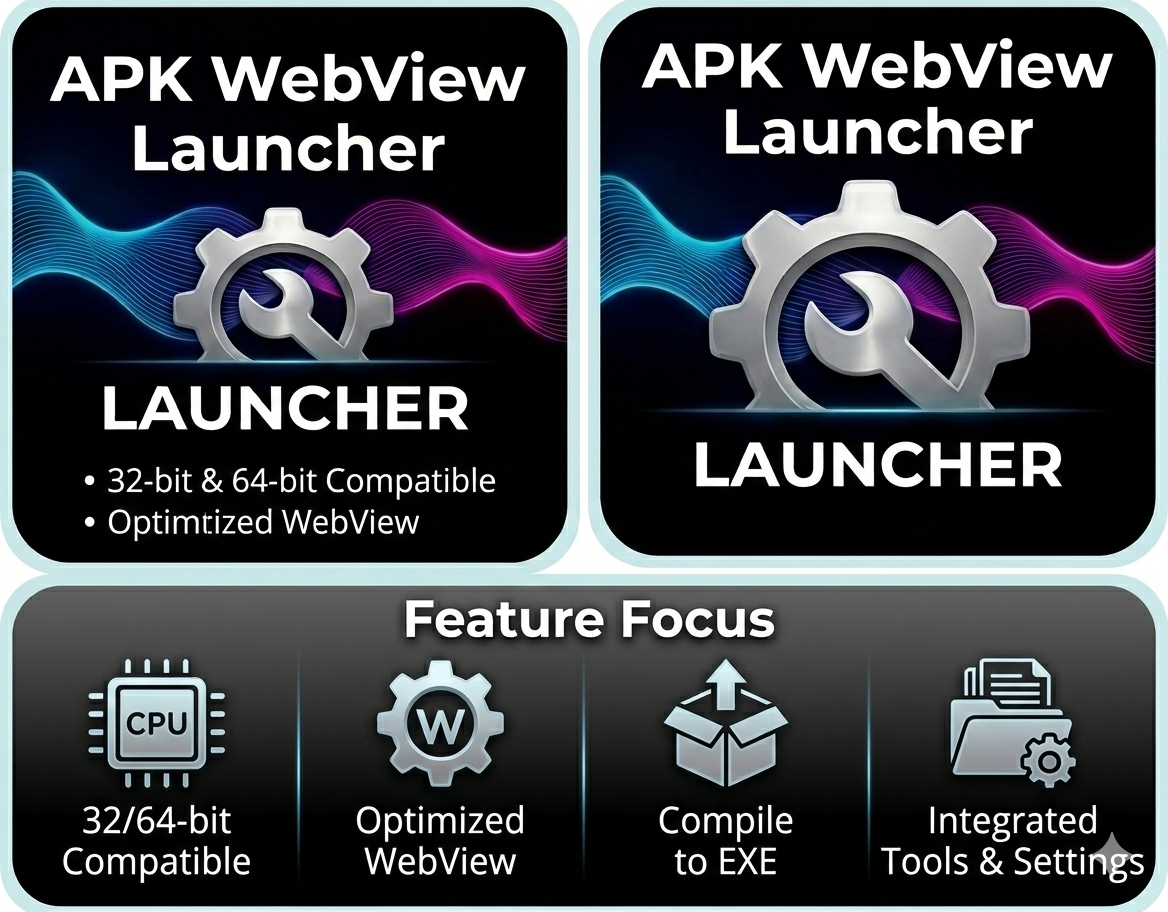
- 32-bit and 64-bit support
- Automatic custom icons
**🌍 Multilingual (15 languages)**
- Spanish, English, Portuguese, French, German
- Italian, Japanese, Korean, Chinese, Russian
- Vietnamese Hindi, Hindi, Hebrew, Arabic
- Automatic system language detection
**🎨 Modern Interface**
- Dark design with neon effects
- Integrated zoom controls (+/-)
- Full screen mode (F11)
- History of executed APKs with search
**🔧 Advanced Features**
- Audio control (mute/unmute)
- Persistent zoom per APK
- Quick reload (F5)
- Language simulation for testing
### 📋 System Requirements
**To run the Launcher:**
- Windows 10 (22H2+) or Windows 11
- WebView2 Runtime (included in Win11 and Win10 22H2+)
- 100 MB of disk space
- Does NOT require .NET installed (self-contained)
**For generated EXEs:**
- Windows 10/11
- WebView2 Runtime
- .NET 8 Desktop Runtime (50 MB, one-time installation)
### ✅ Compatible APKs
**✓ WORKS WITH:**
- WebView Apps (HTML/CSS/JavaScript)
- Apache Cordova / PhoneGap
- Ionic Framework
- Framework 7
- React Native (web components only)
- HTML5 hybrid apps
**✗ NOT COMPATIBLE WITH:**
- Unity/Unreal Engine games
- Native Java/Kotlin apps
- Apps with Google Play Services
- 3D games with OpenGL/Vulkan
### 🎮 How to Use
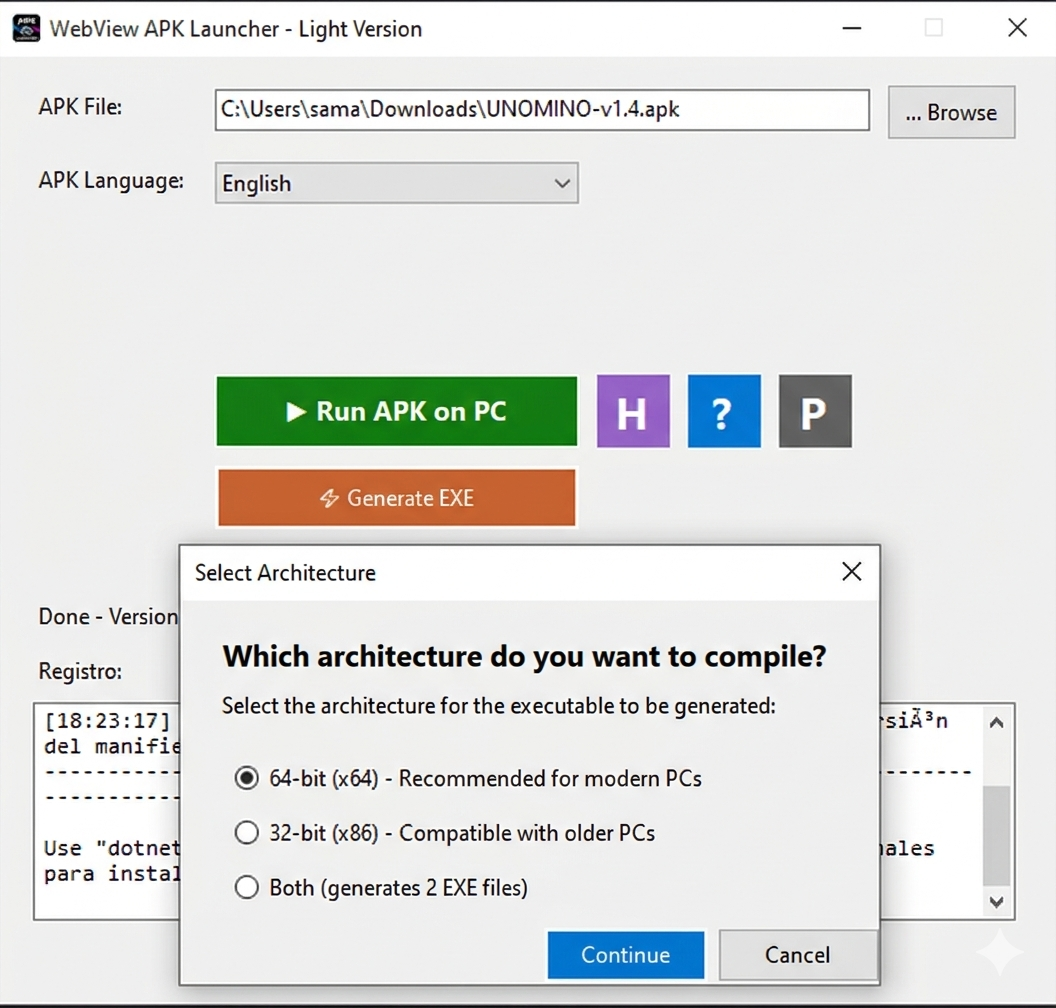
1. **Run APK:**
- Open your launcher
- Select your .apk file
- Choose your simulation language
- Click "Run in" PC
2. **Generate EXE:**
- Open a compatible APK
- Click on "⚡ Generate EXE"
- Select architecture (32/64-bit)
- Choose output folder
- Done! Your app is now an .exe file.
3. **Controls:**
- `F5`: Reload app
- `F11`: Full screen
`+/-`: Adjust zoom
`ESC`: Exit full screen
### 🔒 Privacy
- **100% Offline** - No internet connection required
- **No Telemetry** - Does not collect user data
- **No Ads** - Completely free
- **Open Source** - Transparent and auditable
- **No Registration** - No account or login required
### 📦 Package Contents
- `WebViewAPKLauncher_64bit.exe` (69 MB) - 64-bit version
- `WebViewAPKLauncher_32bit.exe` (64 MB) - 32-bit version
- `README.md` - Complete documentation
- MIT License
### 🆘 Support and Help
**Common Problems:**
1. **"WebView2 Not Found"**
- Download: https://go.microsoft.com/fwlink/p/?LinkId=2124703
2. **"Incompatible APK"**
- Only works with WebView/HTML5 APKs
- Use an emulator for native apps
3. **"Error Generating EXE"**
- Install the .NET 8 SDK: https://dotnet.microsoft.com/download/dotnet/8.0
### 🎯 Ideal Use Cases
- **Web Developers** creating Cordova/Ionic apps
- **Testers** who need to quickly test APKs
- **Users** who want to run HTML5 apps on their PCs
- **Distributors** who want to convert apps to EXEs
### 🚀 Advantages vs. Emulators
| Feature | WebView APK Launcher | Android Emulators |
----------------|---------------------|-------------------|
Size | 65 MB | 2-4 GB |
RAM Required | 200 MB | 2-4 GB |
Start Time | 2 seconds | 30-60 seconds |
Performance | Native Windows | Emulated |
EXE Generator | ✅ Yes | ❌ No |
Compatibility | WebView Only | All Apps |
### 📝 Important Notes
- This tool is specifically designed for WebView-based APKs
- It is not a full Android emulator
- It does not execute native ARM code
- Ideal for hybrid HTML5/JavaScript apps
- Generated EXEs are portable and redistributable
### 🔄 Updates
- Automatic APK type detection
- Support for 15 languages
- Modern interface with dark theme
- EXE generator with multiple architectures
- History with search and sorting
### 💡 Pro Tips
- Use history for quick access to your favorite APKs
- Adjust the zoom once; it saves automatically
- Generates 32-bit EXEs for maximum compatibility
- Use F11 for an immersive experience
- The simulated language does not affect the launcher UI
### 🌟 Perfect For
- Cordova/Ionic/PhoneGap app developers
- Mobile web app testers
- Users who want Android apps on Windows
- Cross-platform software distributors
- Educational projects and prototypes
---
**License:** MIT License - Free to use for personal and commercial projects
**Platform:** Windows 10 (22H2+) / Windows 11
Purchase
In order to download this tool you must purchase it at or above the minimum price of $30 USD. You will get access to the following files: